
Email password resets for Webmail require SMS verification or Multi-Factor Authentication. If you do not have a phone that can accept SMS messages then you will need to enable Multi-Factor Authentication. For more information please check the Password Help articles for other options to reset the password with our message service.
Reset your email address password quickly and easily with our secure automated SMS password reset feature. To activate this feature you will need to add and verify a mobile phone number with an SMS code.
1. First you will need to login to Webmail through webmail.thexyz.com
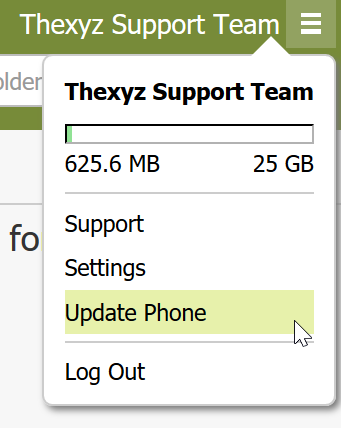
2. When logged in, click on the 'hamburger icon' at the top right of the screen and select Update Phone.
3. Here you can enter your mobile phone number where you will receive the 6 digit code through text message.
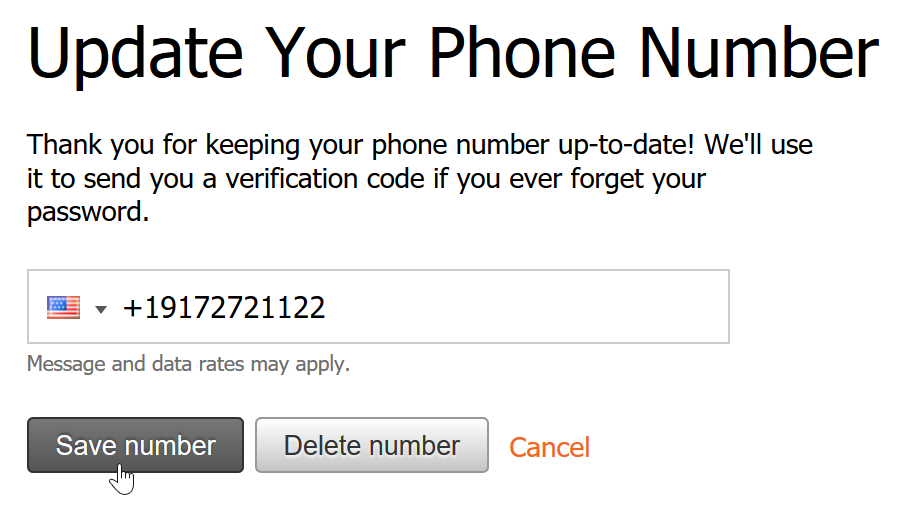
4. Click Save number and you should receive a text message within two minutes.
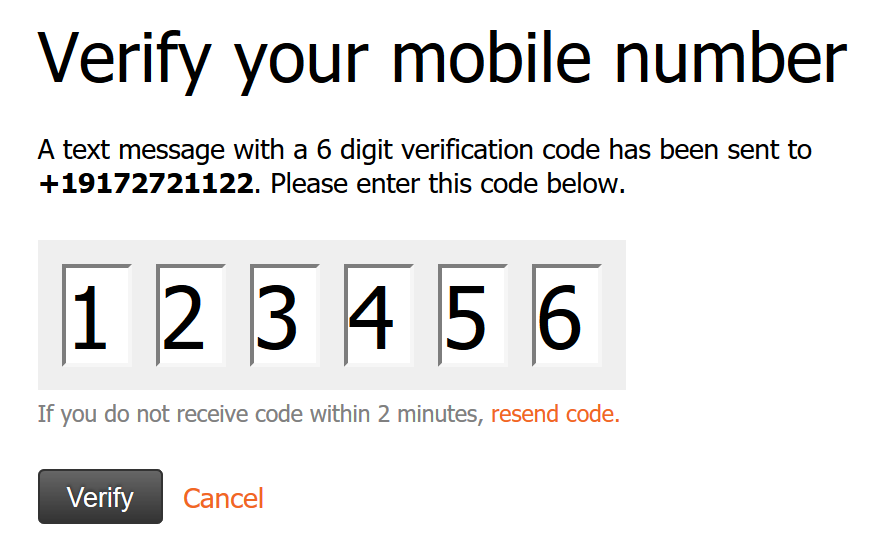
5. Once the code has been received you can enter it and click Verify.
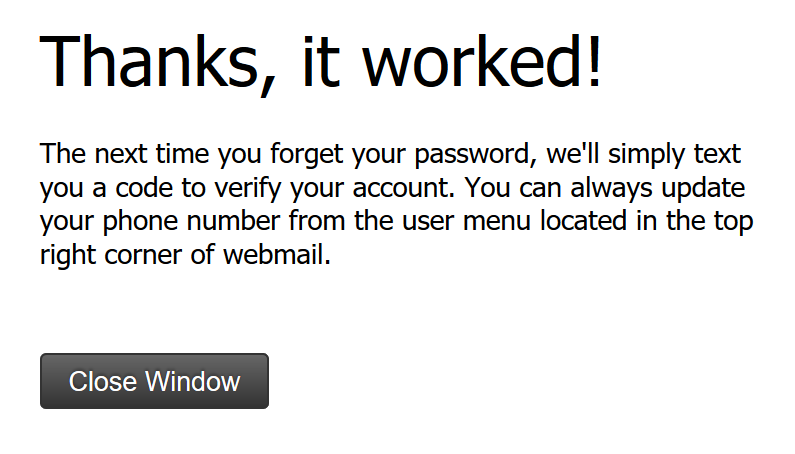
6. If you see a message like the one above, you are done. You can now reset your password through SMS via the Webmail login page.
