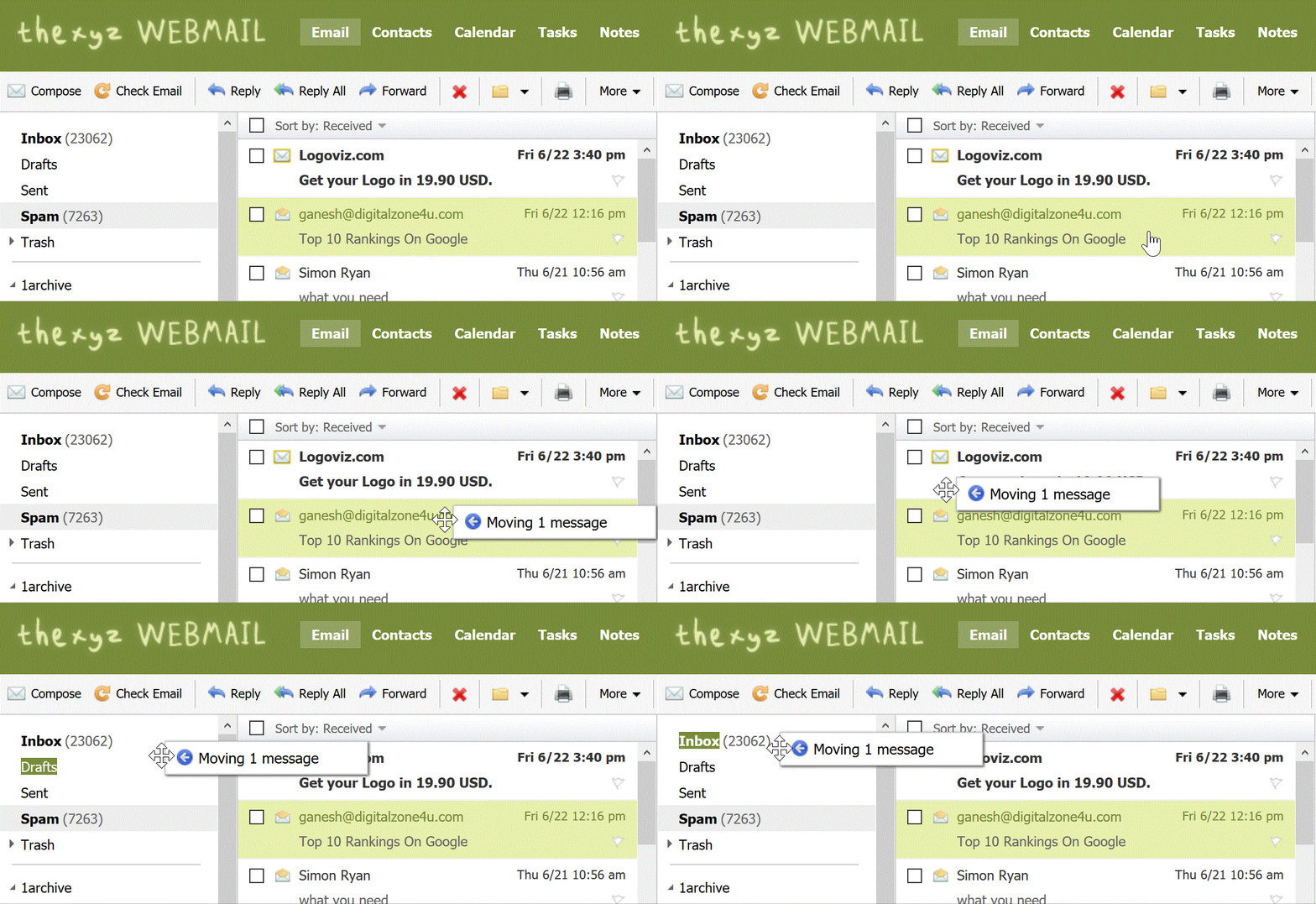
Moving an Email into a Folder

Moving an email from spam

To move an email into another folder, click and drag the email from the email list to a folder in the folder list pane on the left as pictured below.
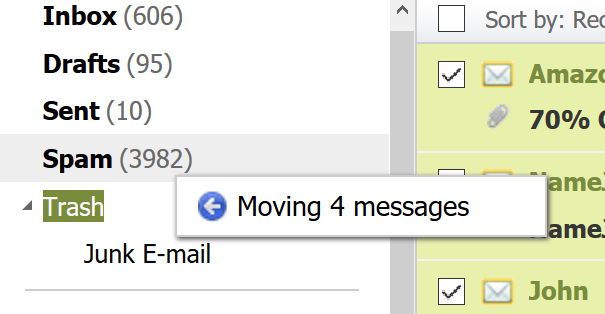
Dragging messages into folder

Alternatively, you can move several emails at one time:

1. Click the checkbox next to the email(s) you want to move into another folder. To select all emails on the current page, click the uppermost check box.

2. Select a folder from the "Move to Folder" drop-down menu. The selected email(s) will be moved from the active folder into the folder you specified.
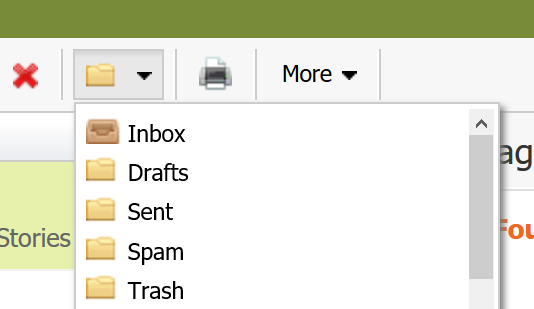
Select move folder

  • 257 Корисниците го најдоа ова како корисно

Дали Ви помогна овој одговор?

Понудени резултати

I'm having issues composing messages in Webmail

If you're having issues composing mail in Webmail, there are a few things you can try: Make...

I am unable to log in to Webmail

If you are still unable to access Webmail, try the following troubleshooting steps: Verify the...

Webmail keyboard shortcuts

When you login to Webmail, your premium webmail account includes various keyboard shortcuts....

Setup SMS password reset for Webmail

Email password resets for Webmail require SMS verification or Multi-Factor Authentication. If you...

Searching for an Email

When you are in an email folder (Inbox, Drafts, Sent, etc.), the Search box will appear above the...