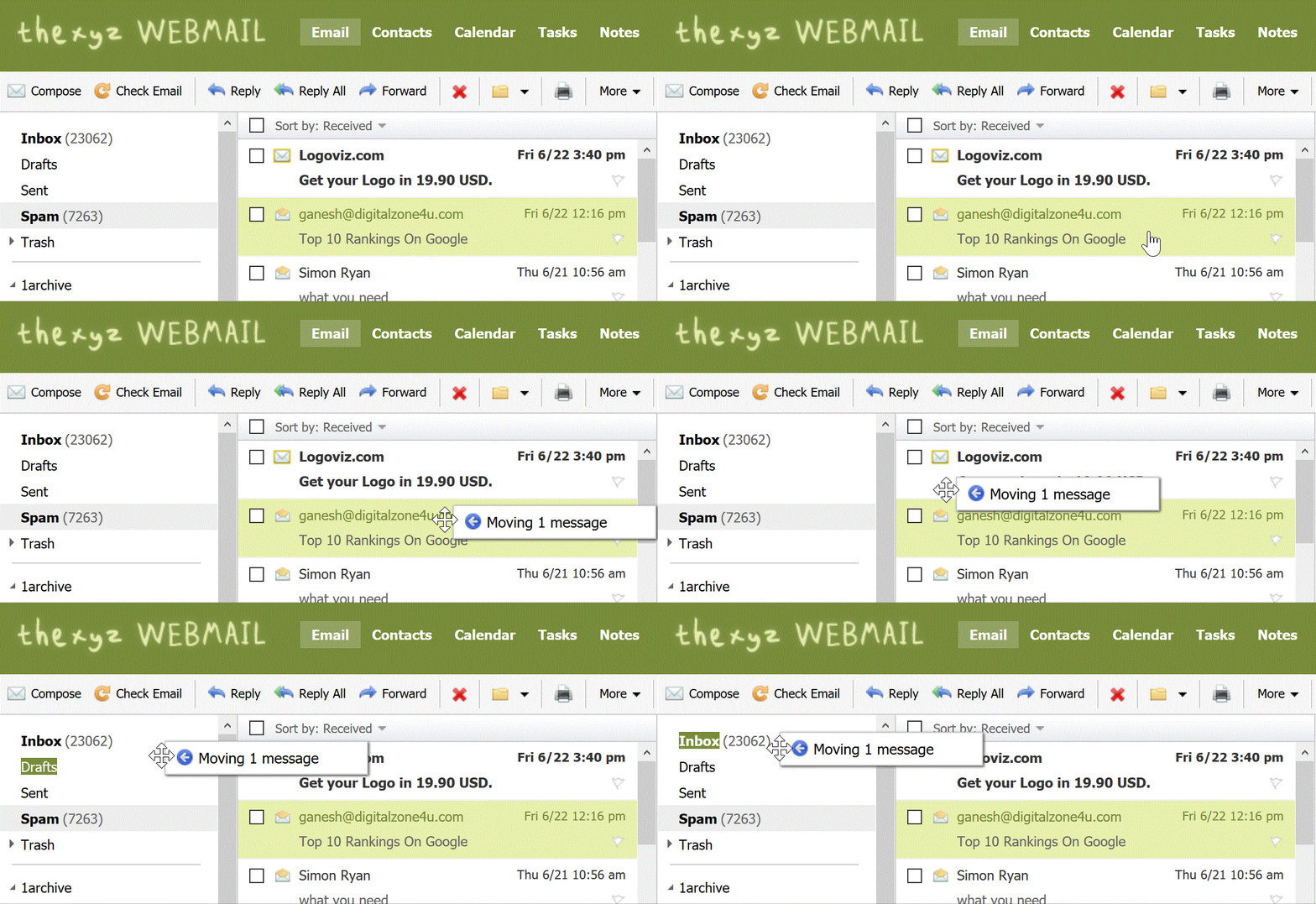
Moving an Email into a Folder

Moving an email from spam

To move an email into another folder, click and drag the email from the email list to a folder in the folder list pane on the left as pictured below.
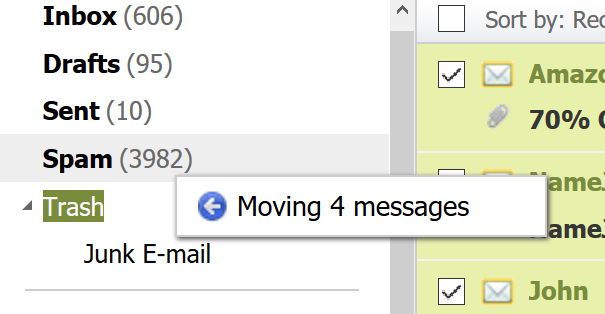
Dragging messages into folder

Alternatively, you can move several emails at one time:

1. Click the checkbox next to the email(s) you want to move into another folder. To select all emails on the current page, click the uppermost check box.

2. Select a folder from the "Move to Folder" drop-down menu. The selected email(s) will be moved from the active folder into the folder you specified.
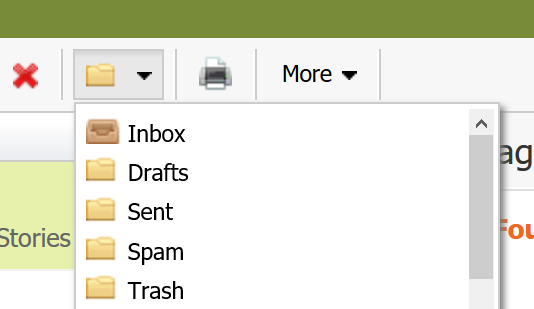
Select move folder

  • 257 gebruikers vonden dit artikel nuttig

Was dit antwoord nuttig?

Gerelateerde artikelen

I am unable to log in to Webmail

If you are still unable to access Webmail, try the following troubleshooting steps: Verify the...

Webmail keyboard shortcuts

When you login to Webmail, your premium webmail account includes various keyboard shortcuts....

How can I access Webmail settings?

You can access Webmail settings of your Premium Email account by logging into Webmail:...

Renaming a Folder

To rename a folder with Webmail, follow the directions below:1. Right-click on the email folder...

Indicating Email Priority

Email priority refers to the level of importance that you assign to an email message that you...