
If you looking to migrate a Gmail.com account and only need email data to be transferred, there is a slightly abbreviated guide here migrating to Thexyz from Gmail.
Complete these steps to grant our email migration tool access to the appropriate scopes if your existing email is hosted with Google G Suite. Our migration services will allow any number of users to migrate data without using PST files. Before you start your migration project from the Google cloud, there a few additional steps required to begin migrating Google email data. While it is possible to import email, calendar, contacts into your new mailbox, our data migration tool from Google accounts will only migrate email messages during the migration process. Any contacts or calendars will have to be exported as a CSV file and imported into Webmail.
- Go to https://admin.google.com to access the Google admin console and authenticate as a domain administrator by logging in with an admin email address or admin role account.
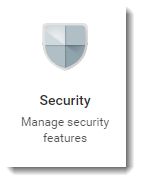
- Click the Security.
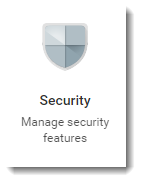
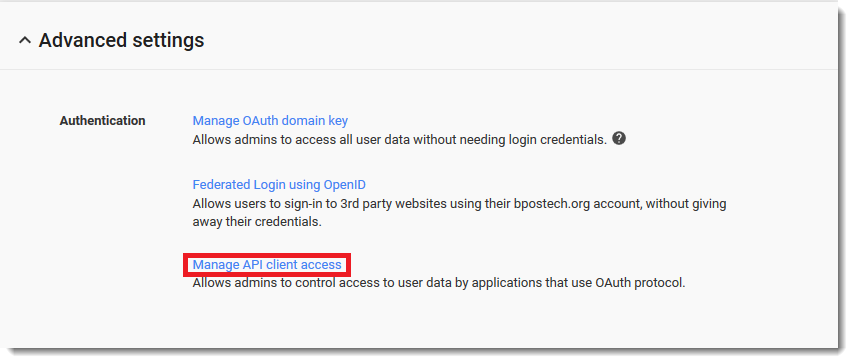
Note: If you do not see the security icon on your home page of the admin console, you do not have the necessary rights on your account to make these changes. Request administrator access from the customer to implement these changes. - Click Show more, and then click Advanced settings.

- Click Manage API client access.
- Enter 113321175602709078332 into the Client Name field.
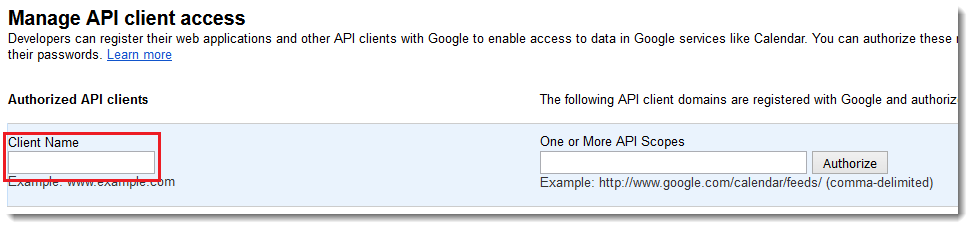
- Enter one of the following scopes into the One or More API Scopes field, depending on whether G Suite is the Source or Destination.

- G Suite as the Source (read-only scopes):
https://mail.google.com/, https://www.google.com/m8/feeds, https://www.googleapis.com/auth/contacts.readonly, https://www.googleapis.com/auth/calendar.readonly, https://www.googleapis.com/auth/admin.directory.group.readonly, https://www.googleapis.com/auth/admin.directory.user.readonly, https://www.googleapis.com/auth/drive, https://sites.google.com/feeds/, https://www.googleapis.com/auth/gmail.settings.sharing, https://www.googleapis.com/auth/gmail.settings.basic - G Suite as the Destination (full scopes):
https://mail.google.com/,
 https://www.google.com/m8/feeds,
https://www.googleapis.com/auth/contacts.readonly,
https://www.googleapis.com/auth/calendar,
https://www.googleapis.com/auth/admin.directory.group,
https://www.googleapis.com/auth/admin.directory.user,
https://www.googleapis.com/auth/drive, https://sites.google.com/feeds/,
https://www.googleapis.com/auth/gmail.settings.sharing,
https://www.googleapis.com/auth/gmail.settings.basic
- G Suite as the Source (read-only scopes):
- Click Authorize.
- Note: The client name is 113321175602709078332. Make sure there are no leading or trailing spaces, as this may cause the error "URL ends with an invalid top-level domain name." This will grant the email migration server access to the appropriate scopes and connection protocol.
Enable API access in G Suite
- Go back to Security.
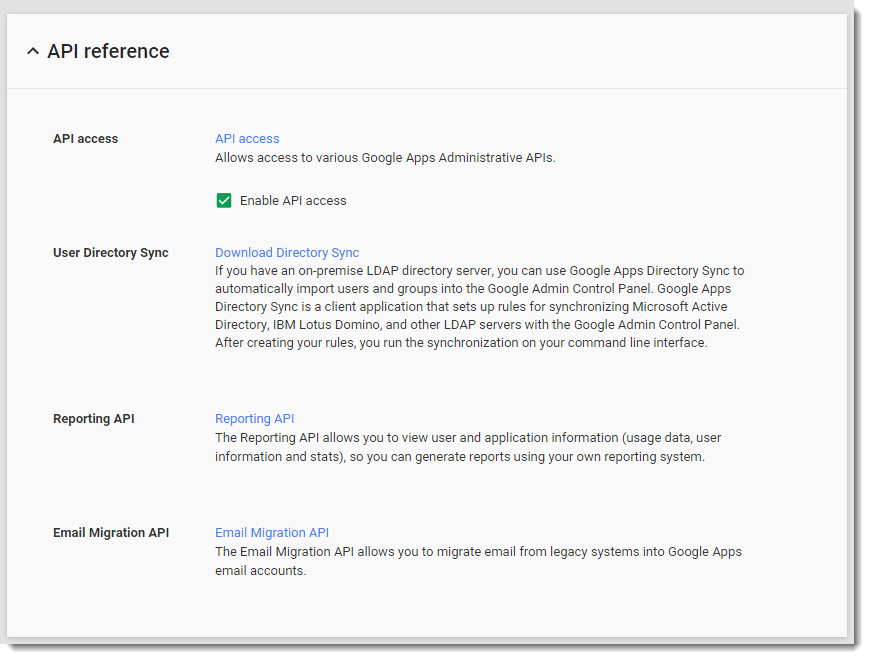
- Click API Reference.

- Make sure that Enable API Access is selected.
Enable APIs and Whitelist the migration tool as a Trusted App
- Go back to Security.
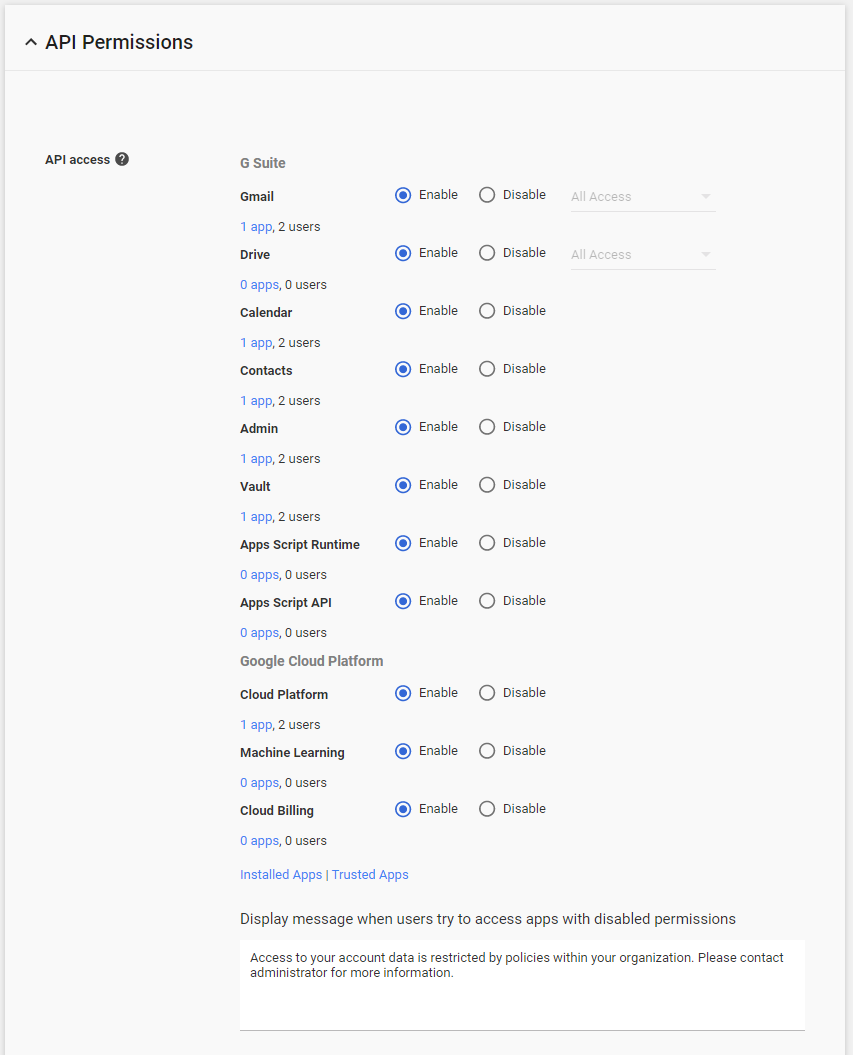
- Click API Permissions.
- Verify that all options listed are marked Enable. If there are any not enabled, click Enable for those items and click Save.
- Click Trusted Apps.
- Click the + (
 ) button to Whitelist an app.
 - Select Web Application from the drop-down menu.
- Enter 113321175602709078332 for the OAuth2 Client ID.
- Click Add.
Once you have added the API scopes to your G Suites tenant, and enabled API access, you can proceed with the email migration. By enabling these API scopes, there is no need to log in to each G suite account to validate the request from the migration server. You can now proceed to schedule your migration start date for all user accounts.
