
Follow these steps to turn off notification sounds in Webmail.
-
Log in to Webmail
Visit mail.thexyz.com . -
Open My Account
In the top-right corner, click the round profile icon, then select My account.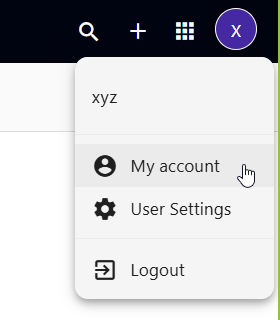
-
Click Look & Feel
In the left-hand menu, select Look & Feel. -
Turn Off Sounds
In the Sounds section, check Mute all sounds.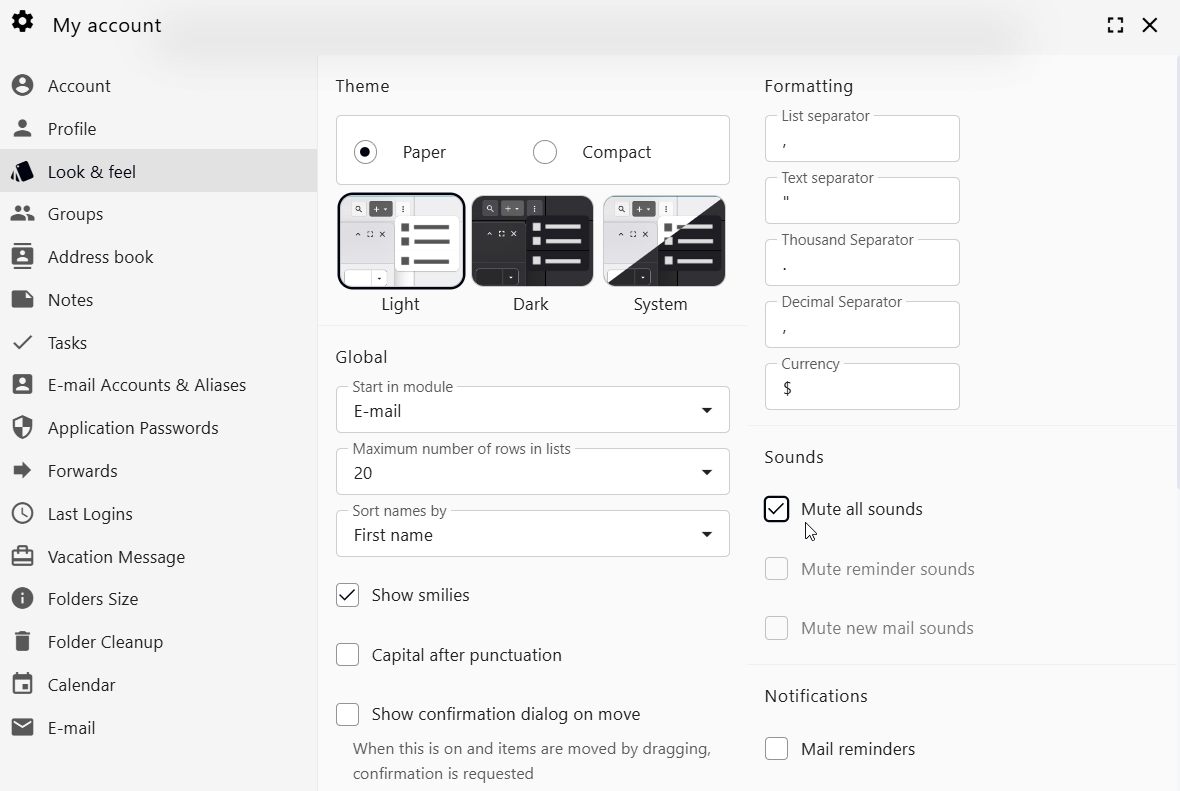
-
Done
Your change will be saved automatically.
Tip
Do not want to mute everything? Leave Mute all sounds unchecked and use these individual options instead:
- Mute reminder sounds
- Mute new mail sounds
