
AnonymousFox is a known WordPress vulnerability where users are able to exploit vulnerable WordPress plugins to gain access to the Cpanel account file system.
If you notice your WordPress user credentials are no longer working, you may need to reset your WordPress admin password manually. Once your WordPress admin passwords have been reset, it is also recommended to change your WordPress database password.
You can do this by logging into Thexyz Client Area and making your way to your active services.
Your WordPress hosting service may be called Managed WordPress Hosting or cPanel Usage Instance. Click on it once located.

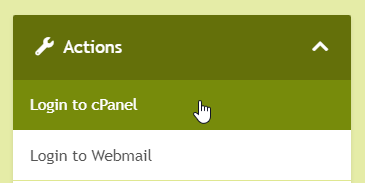
From the management page, click Login to cPanel.
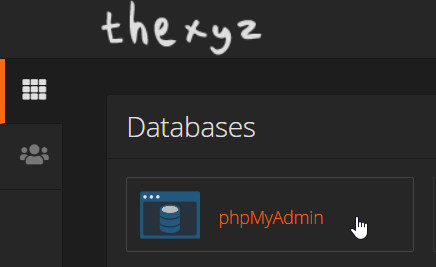
From here you can search for phpmyadmin or locate the icon as pictured below.
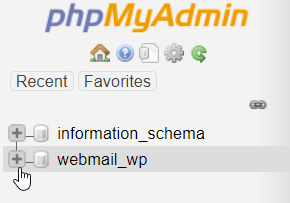
Find the database of your WordPress installation and expand your database to show all the tables and look for wp_users.
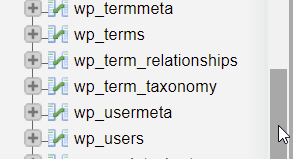
Click wp_users.
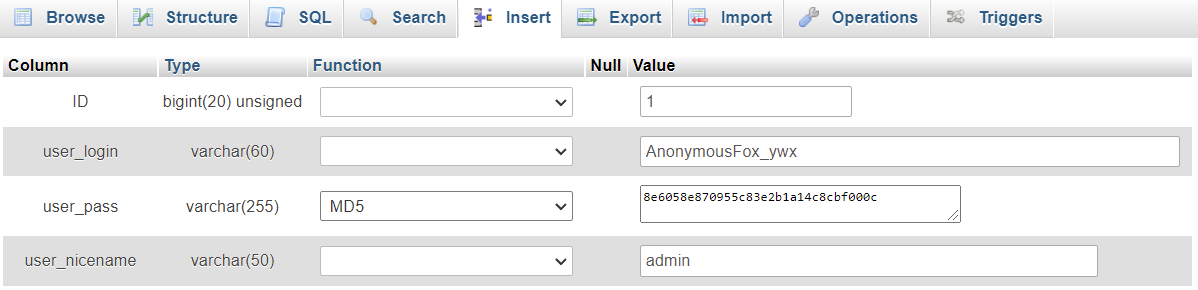
Look for any user called something like AnonymousFox_ywx and rename the user. You can also update the password in the user_pass field. Make sure you select MD5 from the dropdown Function.
While here, it is also a good idea to reset your database password by following the guide to change your WordPress SQL password.
As with all open-source software, it is important to always use the most recent version of wordpress as this will contain important WordPress security fixes. You should also keep your WordPress theme and plugins up to date too, as these are often exploited with malicious code. If you notice you have a hacked WordPress website, please see: Help, my website was hacked.
