Error 0x80070043 The network name cannot be found

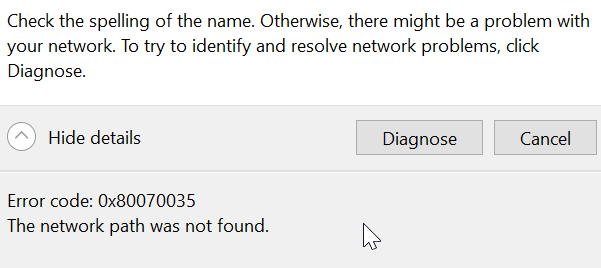
If you are having trouble connecting ownCloud via WebDav with tcp IP connection failure or DNS error when trying to diagnose the issue. This could be due to the Windows service **WebClient **not starting automatically.

The error message may look like this below.
Solution

Type "cmd" in your computer search bar and press enter
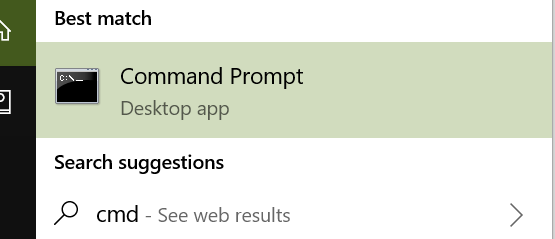
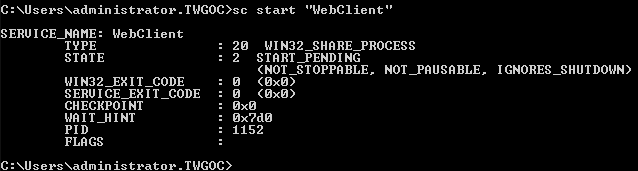
In the black command prompt box, enter the following two commands and press enter.

sc config "WebClient" start=auto sc start "WebClient"
  • 129 Users Found This Useful
Was this answer helpful?

Related Articles

Attachments received renamed to "winmail.dat"

This issue may occur if all of the following conditions are true: The email message is sent to...

My contacts aren't syncing with my phone

Thexyz supports CardDAV and Exchange / ActiveSync to keep your contacts updated across all your...

I am getting a password prompt in Outlook

Here are some troubleshooting tips to follow if you are still having trouble accessing your...

My signature does not appear when composing a new message

If you're having trouble with your existing signature, create a new signature by following the...

Some attachment file types are blocked

Attachment Restrictions Explained Our virus protection scans all inbound and outbound emails...
