
Due to spam and security reasons, video embedding is not supported in email across some major email clients, such as Gmail and Yahoo. You can however get around this by insert a screenshot image of your video and link to a page the video is embedded on.
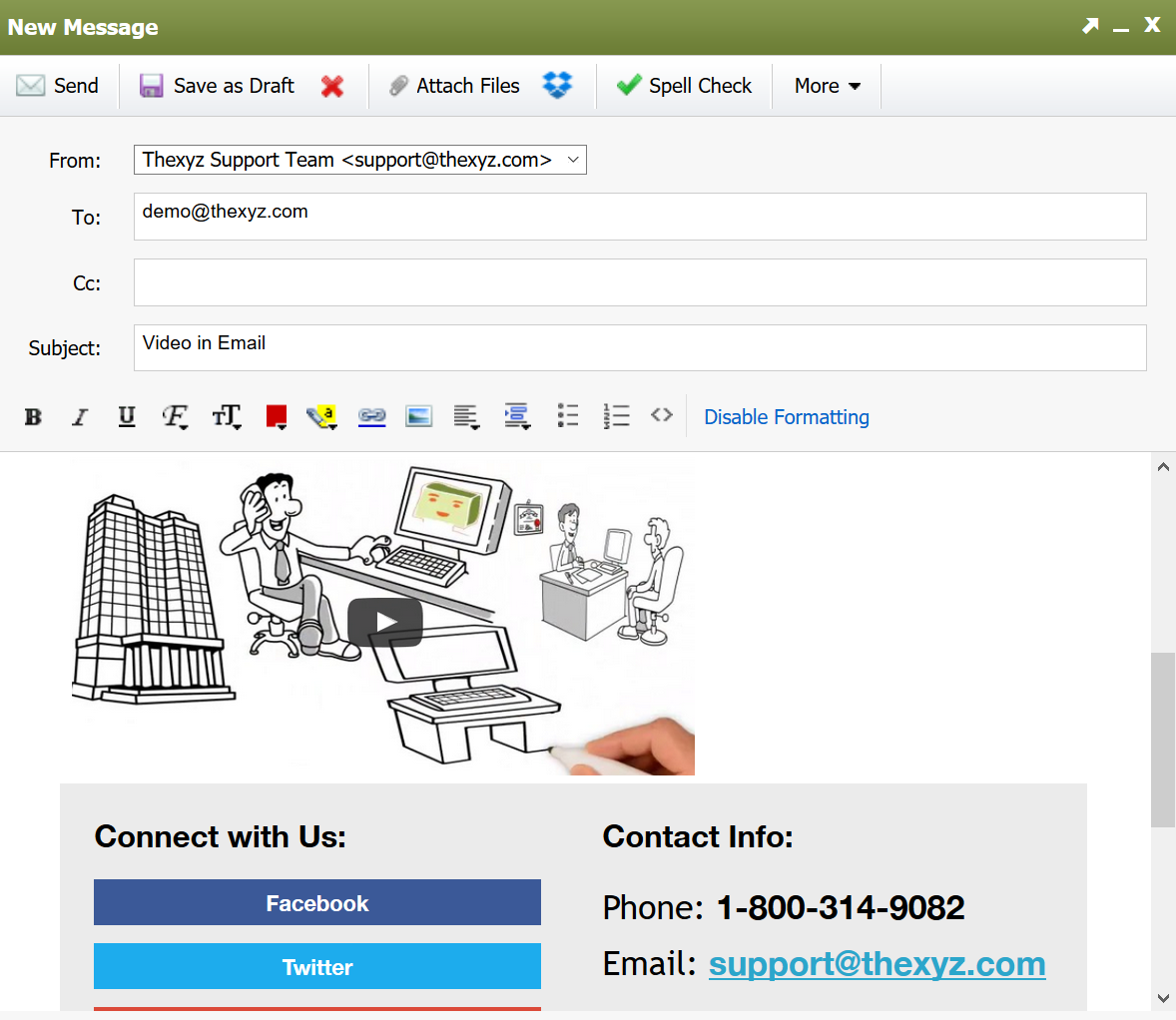
Here is a screenshot of an email I created with Webmail with a YouTube video.
How to create this email template
One of the first things I did was download a free email signature template from here.
In Webmail settings under Composing Email >>
I added a new signature and selected the Source Code icon.
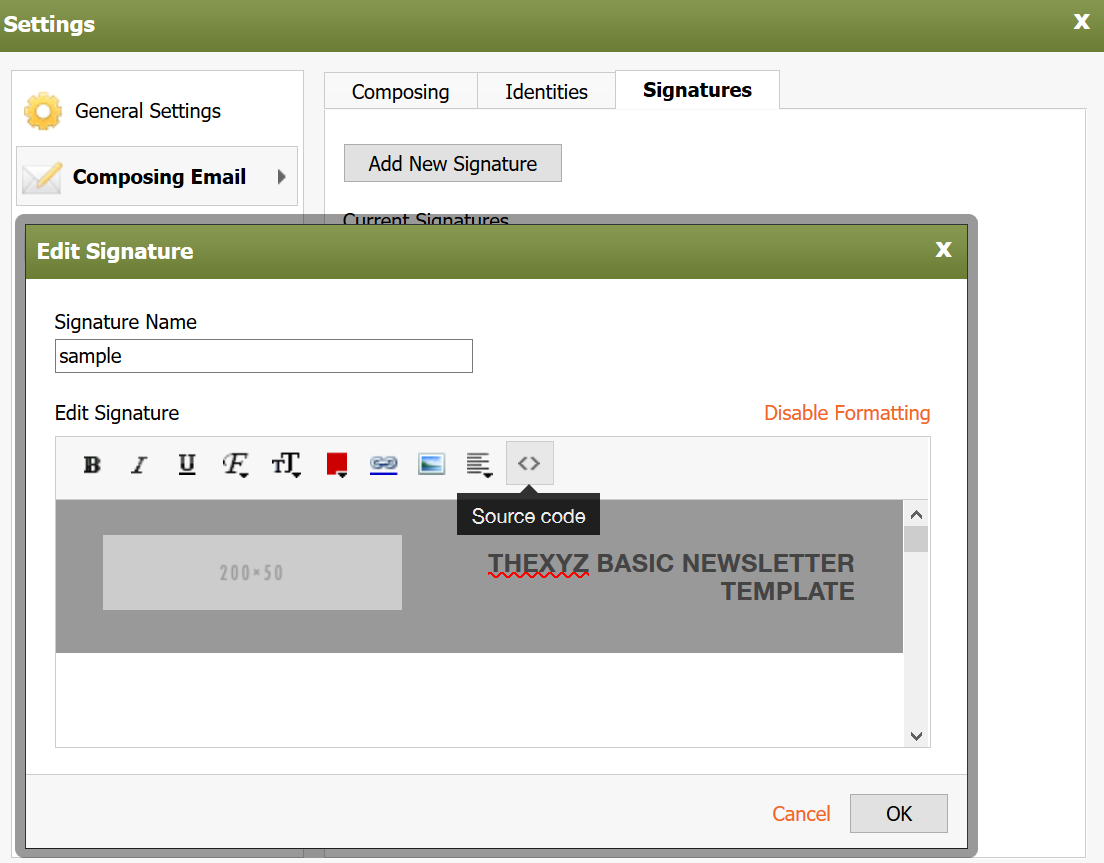
I then pasted the contents of the file I downloaded from here into the source code view as pictured below.
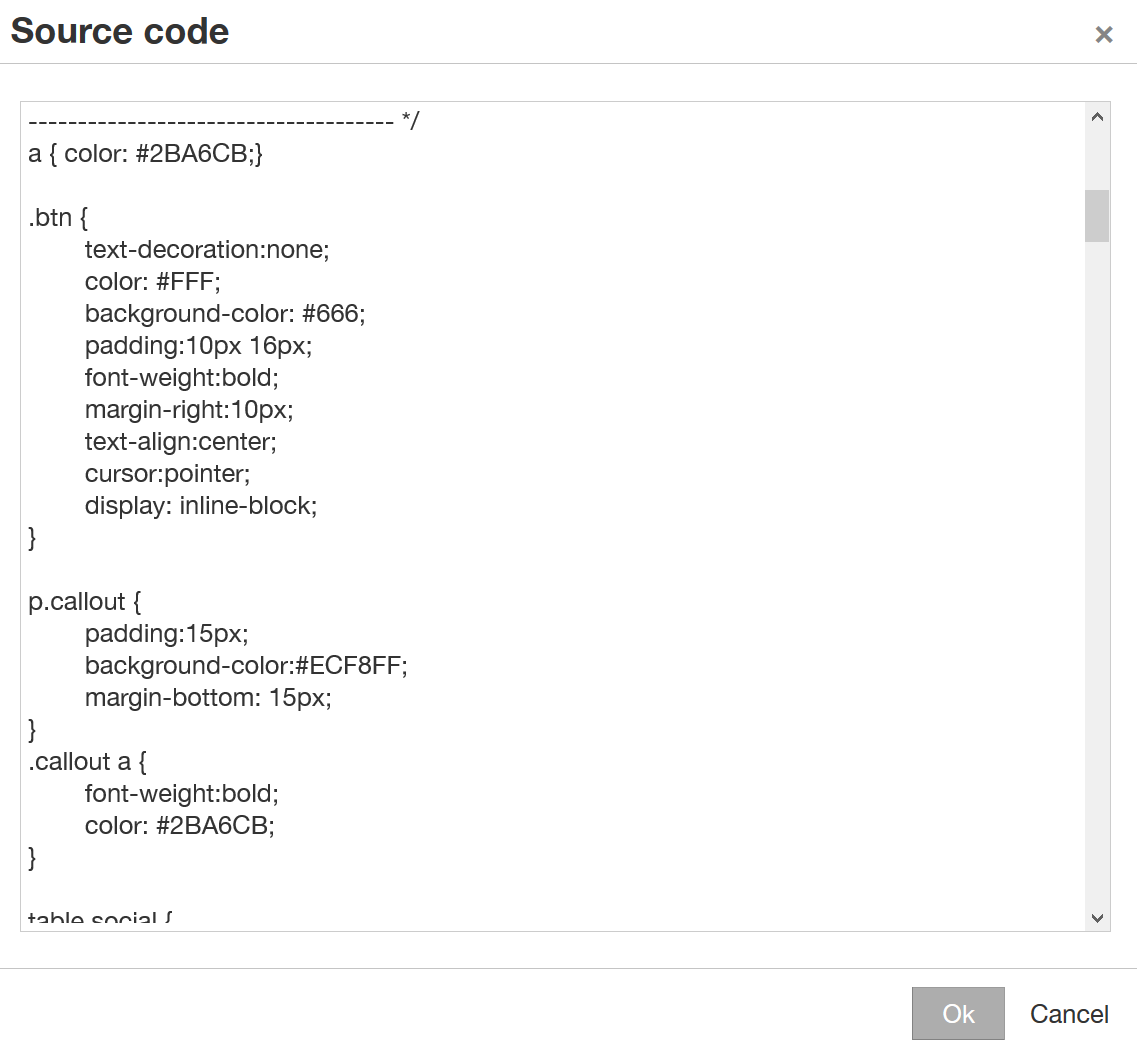
While looking at the source code view, I edited some of the placeholder text to include a YouTube video. This was achieved by adding an image and linking to the video.
<a href="https://www.youtube.com/watch?v=PNoJyoDAhZk"><img class="aligncenter " src="https://admin.thexyz.com/clients/webmail/webmail_thexyz_com/images/video-sample.png " alt="Click to play video" width="350" height="186" /></a>
You can try this out for yourself, here is the full code to add to your signature or HTML box in Webmail.
