Through the quarantine, it is possible to send an email as an alias you have created. This also works for mailboxes and not just aliases and can be used as a solution to bypass sending restrictions that may be imposed on a domain or IP address. This works for any mailbox with a domain from Thexyz (@thexyz.com, @xyz.am, @sync.xyz, etc) or if your domain has upgraded to include quarantine filtering. Follow the guide below to send an email through quarantine.
- Log in to the Quarantine control panel or request a login link to access without logging in with a password. If you are unsure how to access the Quarantine, please see: How to access the mail quarantine.
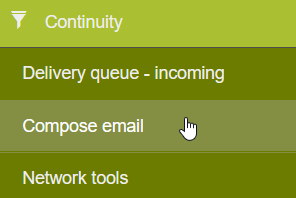
- Once have logged in, within the menu on the left, scroll down to Continuity>> Compose email.
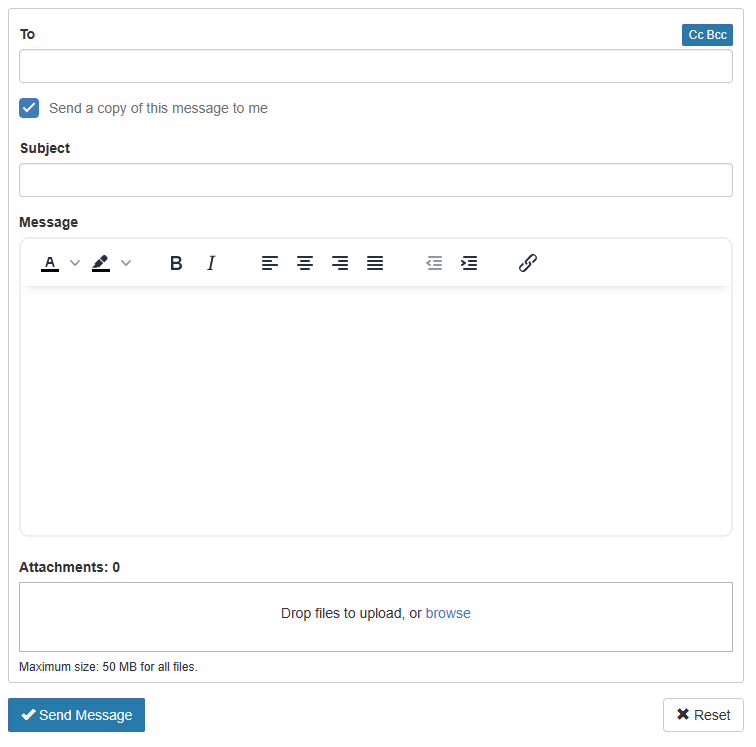
- From this page, you will be able to send a message to any external mailbox. You can add multiple recipients by typing an address and pressing enter to add another one.