
 Powered by Titan
Schedule emails to send at the perfect time
Get a professional business email address with a modern webmail interface, dedicated mobile apps, and powerful productivity features built right in.
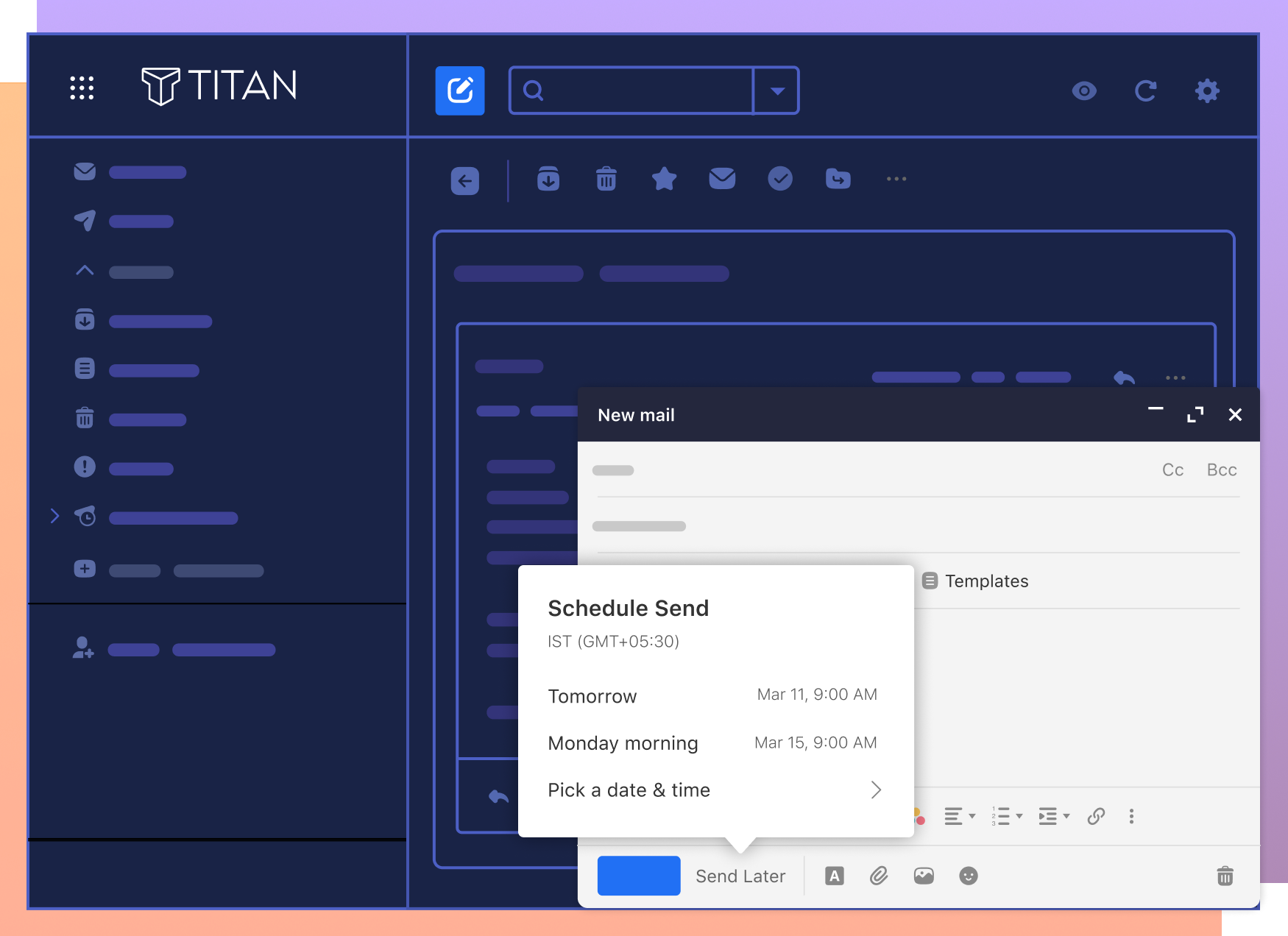
Send Later
Draft emails anytime and schedule them to be delivered at the exact moment they’ll have the highest impact.
Undo Send
Made a mistake? Retract an email seconds after sending. A simple safeguard for accidental messages or typos.
50GB Storage
Enjoy space to store years of communication and attachments with a generous 50GB mailbox per account.
Email that works smarter
Titan Email at Thexyz gives you precise control over how your messages work.
Use professional email addresses on your own domain (you@yourcompany.com) to build trust.
Send mail from fast, modern webmail or your favorite clients like Outlook and Apple Mail.
Track key conversations with read receipts and follow-up reminders.
Use templates and smart replies to respond faster to frequent questions.
Create shared mailboxes and aliases for teams (sales@, support@) securely.
Stay synced everywhere with Titan’s dedicated mobile apps plus IMAP/SMTP support.
Do More with Our Enterprise Plan
Unlock premium tools designed for high-performance teams.
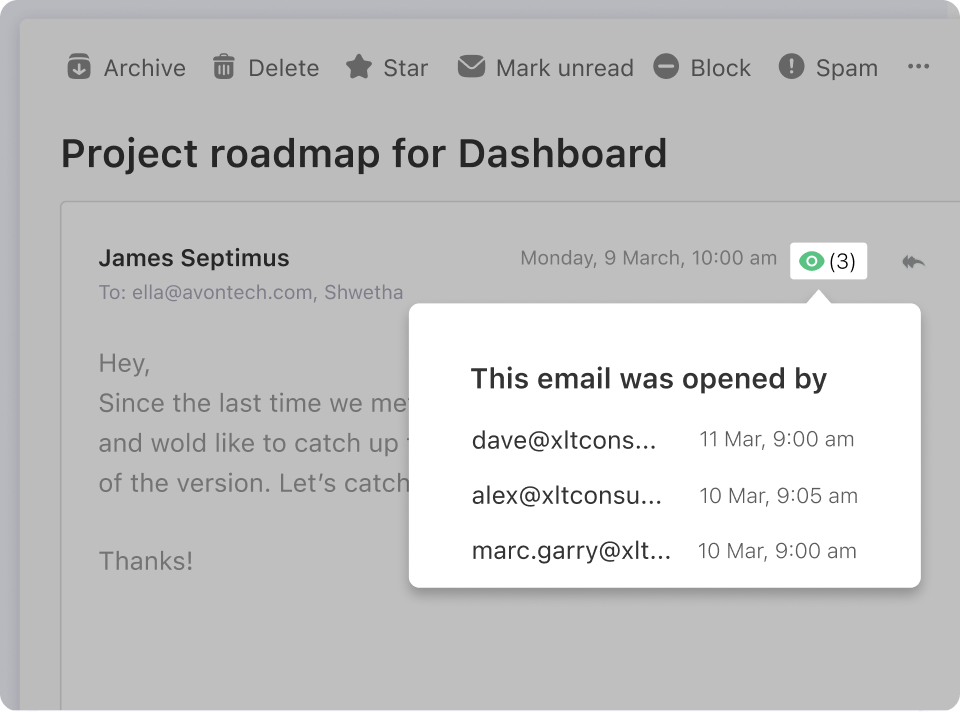
Know when your emails are read
Don't lose sleep wondering if your prospect read that crucial quote. Get notified the moment your email gets opened with powerful Read Receipts.
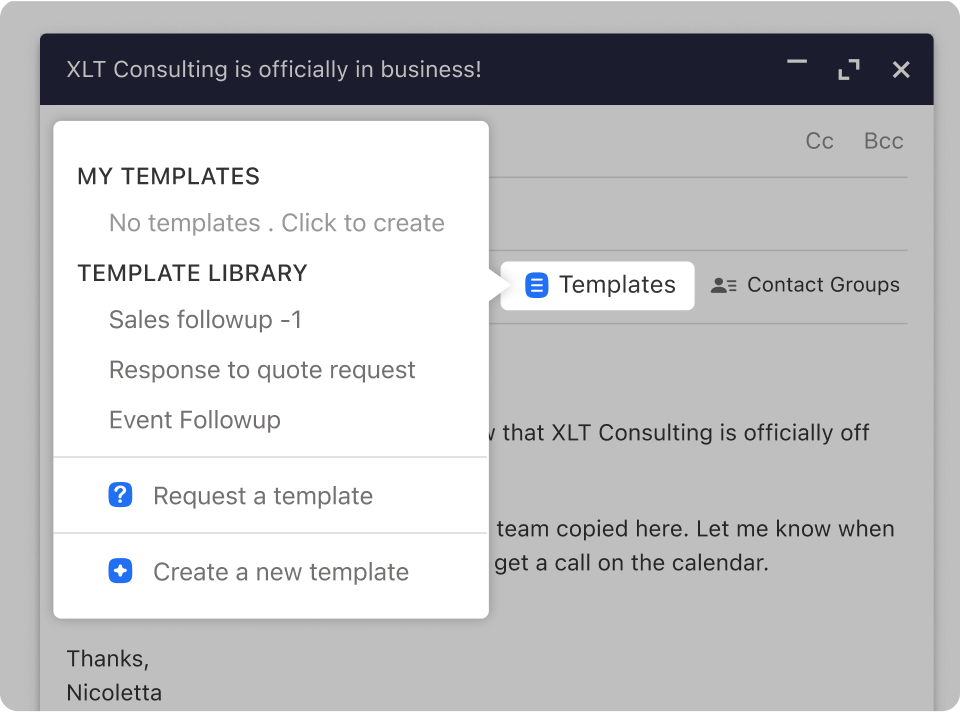
Don't reinvent the wheel
Save time by turning your frequently sent responses into reusable templates with just a few clicks.
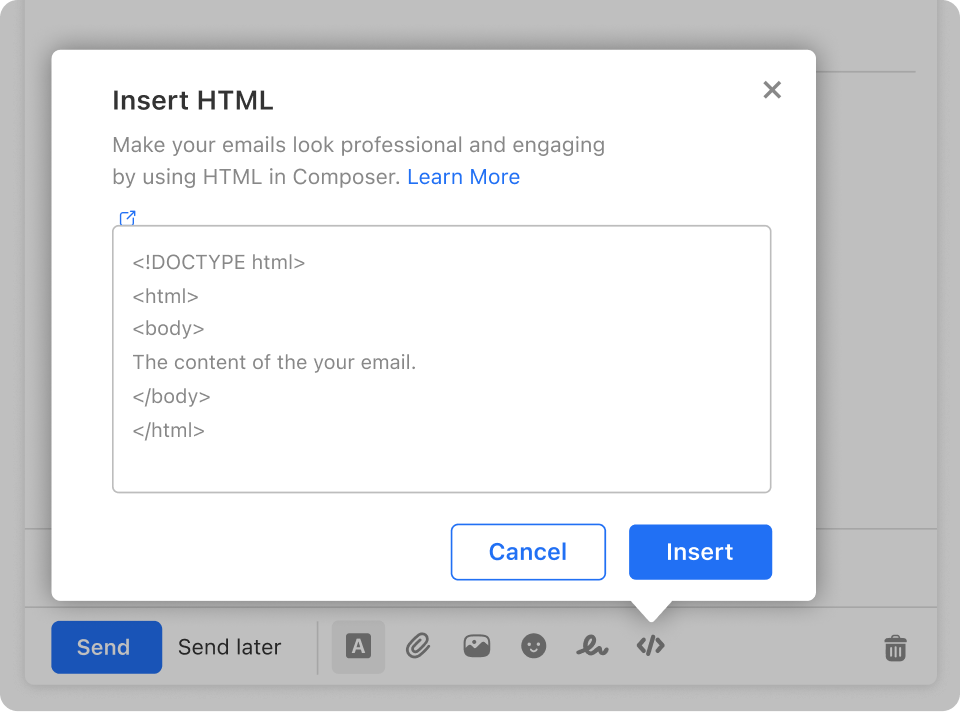
Generate a higher response rate
Use rich HTML to add forms, compelling CTA buttons, and brand banners directly into your templates.
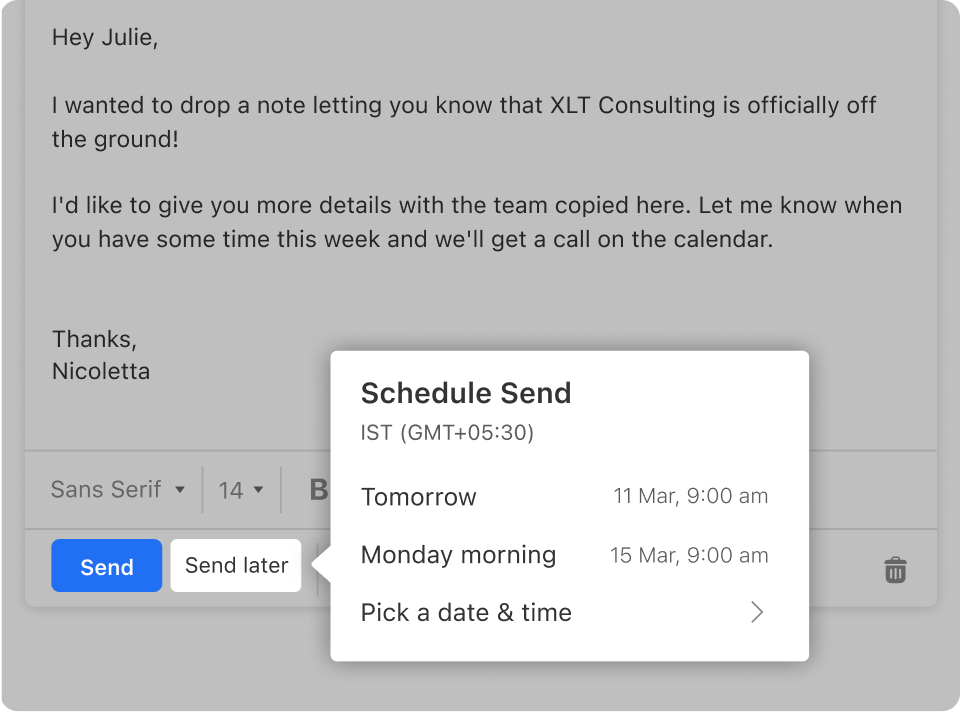
Write now, send later
Draft emails when inspiration strikes, and seamlessly schedule them to be delivered at the optimal time for your recipient.
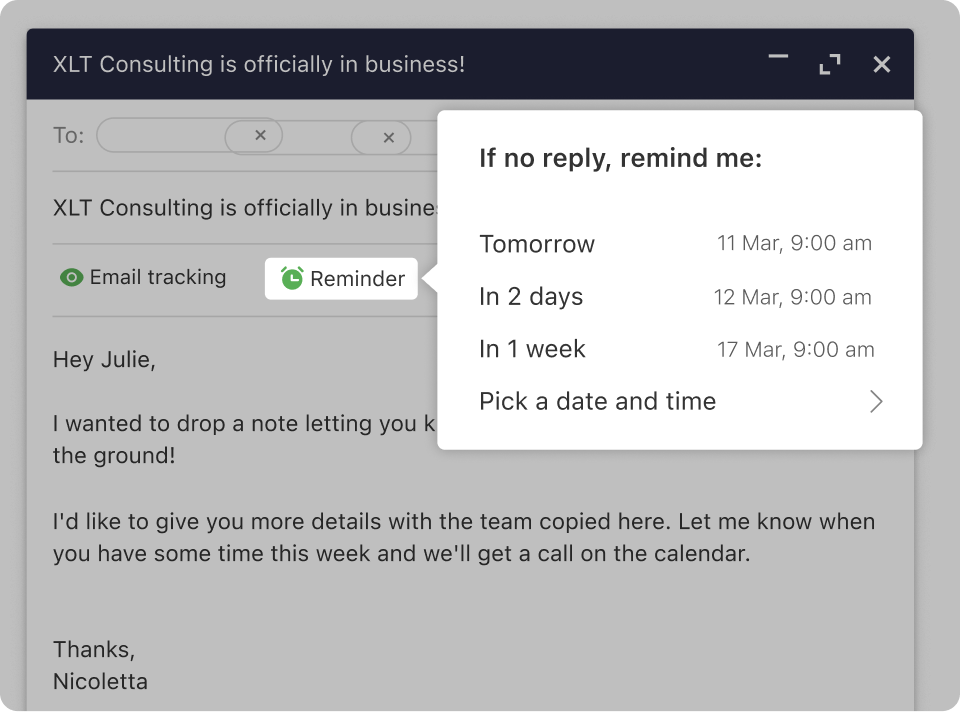
Follow up on time
Set Follow-up Reminders on outgoing mail so Titan automatically nudges you to check back in if you don't receive a reply.
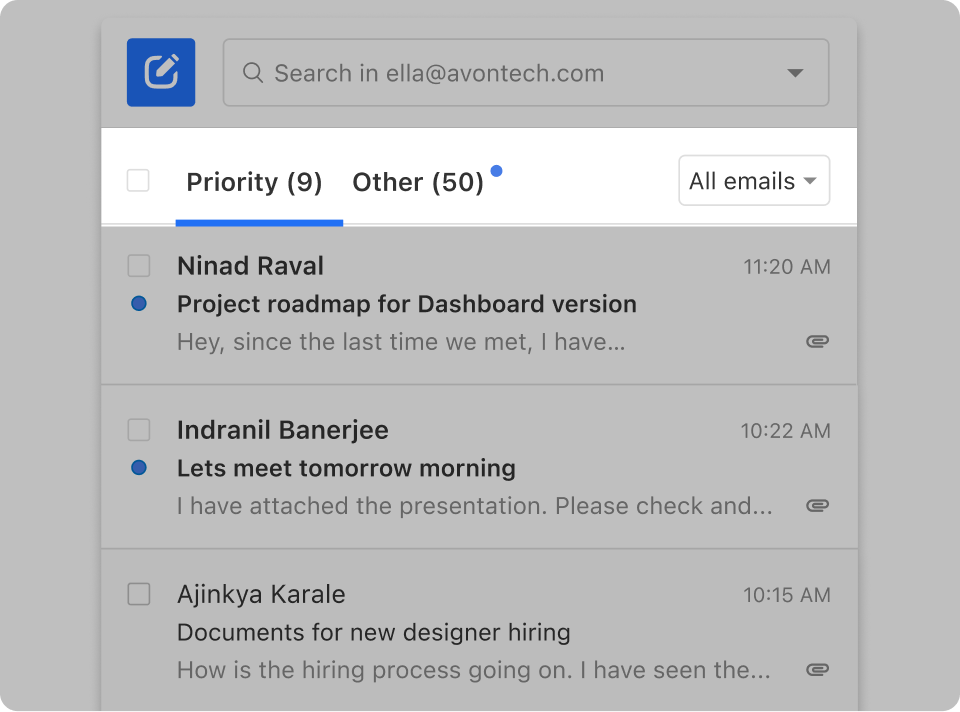
Focus on what matters
Titan automatically sorts your mail and surfaces your most important messages so you aren't distracted by newsletters and notifications.
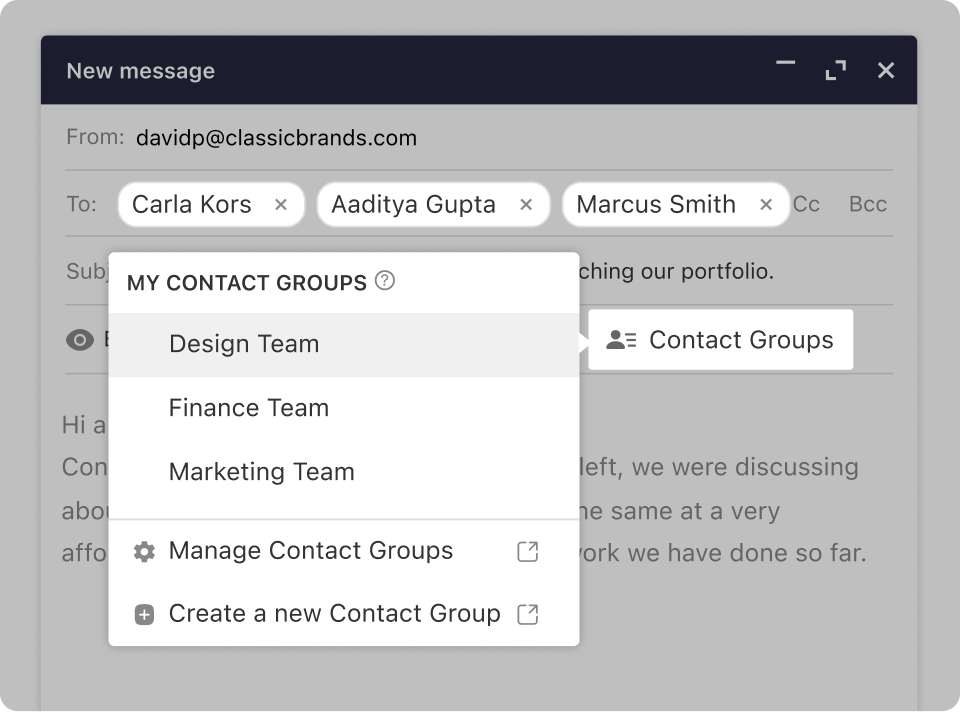
Save time when sending
Group frequently emailed recipients into Contact Groups so you can email your whole department with a single address.
Titan Business Email Extra Benefits
Smart Filters
Sort important messages and reduce clutter automatically.
Virus Protection
Enterprise-grade spam detection and malware scanning.
Scheduling
Manage appointments and set reminders effortlessly.
Signatures
Maintain consistent branding across your entire team.
Choose Titan Email and migrate with confidence.
View plans, mailbox options, and migration assistance packages.
What Our Customers Say
"The migration was flawless. We moved 50 accounts over the weekend with zero downtime. My team loves the new interface."
"I love the Read Receipts feature. It completely changed how our sales team follows up with inbound leads. Highly recommended."
"Much cleaner interface than standard cPanel webmail. The dedicated mobile app is actually usable and keeps my contacts in sync!"
Frequently Asked Questions
Have questions about Titan Email or our migration service?
Titan Email is a modern business email platform that provides professional email addresses on your own domain, along with built-in features like calendars, contacts, mobile apps, and advanced productivity tools like read receipts.
Yes. Our migration service can smoothly move messages, folders, and contacts from many providers including Gmail™, Outlook.com, Yahoo!®, cPanel/IMAP servers, and other hosts.
Our goal is to bring everything over perfectly: folders, messages, and your existing structure. We recommend keeping the source account available during migration so we can verify counts before you fully switch over.
We aim to keep downtime close to zero. Most of the data transfer happens in the background while your existing email continues to work. At cutover, we simply update your DNS so new mail starts arriving at Titan.
